
Start with your artwork
Import images, crop, rotate, and prepare motifs. Reuse artwork from your local library across projects.
BUILT AROUND THE WAY YOU WORK
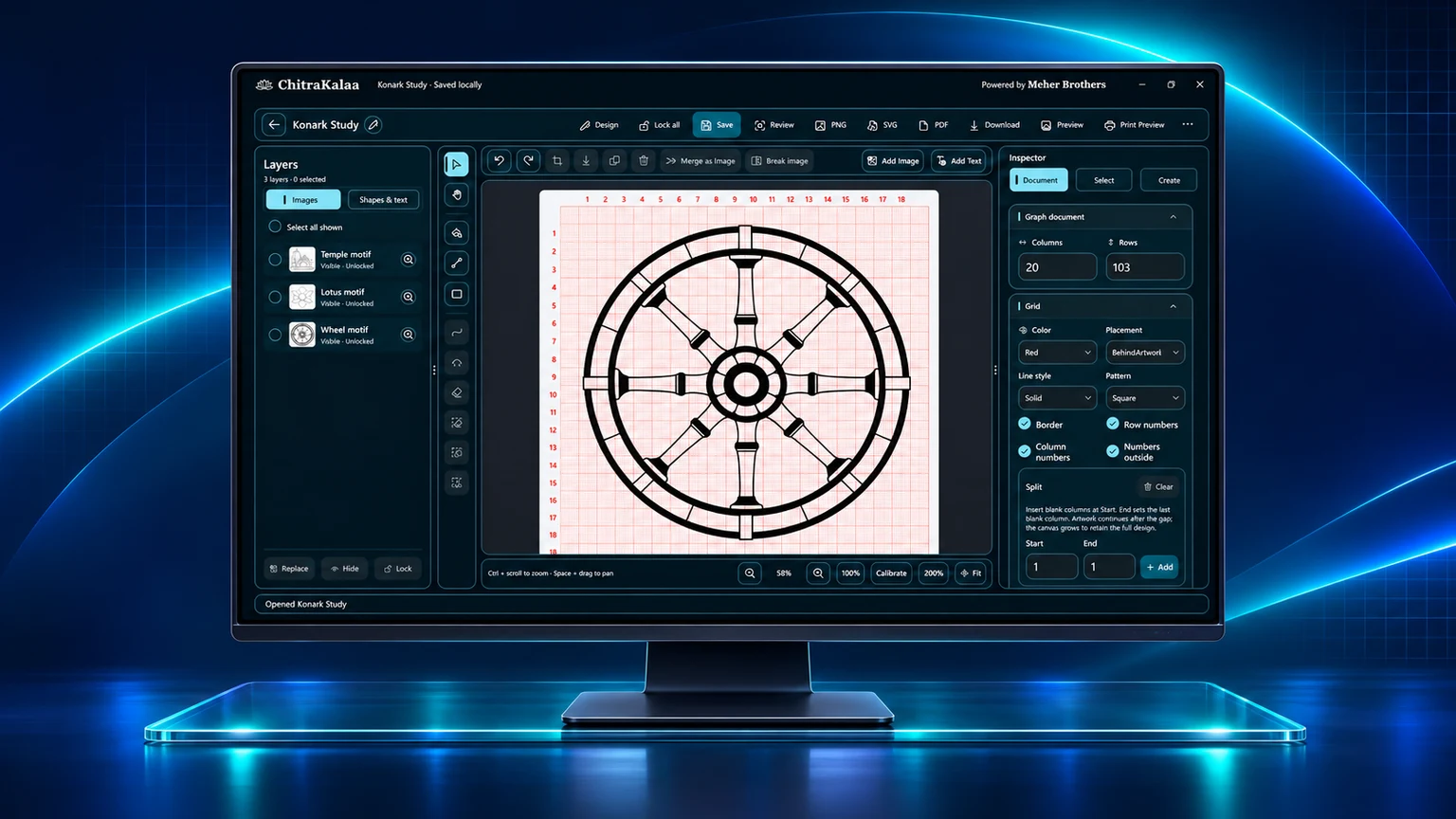
Bring a motif from your imagination to the graph sheet. ChitraKalaa combines artwork preparation, layered editing, measured grids, and export tools in a native Windows studio—with an offline workflow that keeps your work close.
THE TOOLS INSIDE
Import images, crop, rotate, and prepare motifs. Reuse artwork from your local library across projects.
Arrange images, shapes, and text. Control fills, outlines, transforms, and the order of elements on your canvas.
Set graph rows and columns, adjust physical sizes and spacing, and choose grid colours and numbering.
Preview repeated and mirrored artwork on a sheet, choose orientation, and prepare layouts for printing.
Save projects locally, duplicate a starting point, and move editable work using self-contained .graph archives.
Export PNG, SVG, or PDF, review print layouts, and explore GraphLite conversion for specialised graph workflows.
FROM START TO FINISH
Move through the work in a focused, familiar sequence.
Choose your source artwork and prepare the crop.
Arrange layers, refine the drawing, and set your graph.
Review the sheet, save your project, and export or print.
Core editing, the artwork library, project archives, and export work locally. Optional connected features are separate from the offline workflow.
ChitraKalaa is a native Windows desktop application. Contact us for the current installer and system requirements.
Yes. Save the editable project in your local library or export a .graph archive to move it between supported installations.
LET’S EXPLORE THE POSSIBILITIES
Discuss your requirements, see a demo, and ask about pricing.